Data
Attach the measured value and the limits to every report.
Diagnostic data are named values attached to a rule's reports: the measured value and the limit that caused each one. The panel shows them with the results, and tools reading the reports use them without parsing the message.
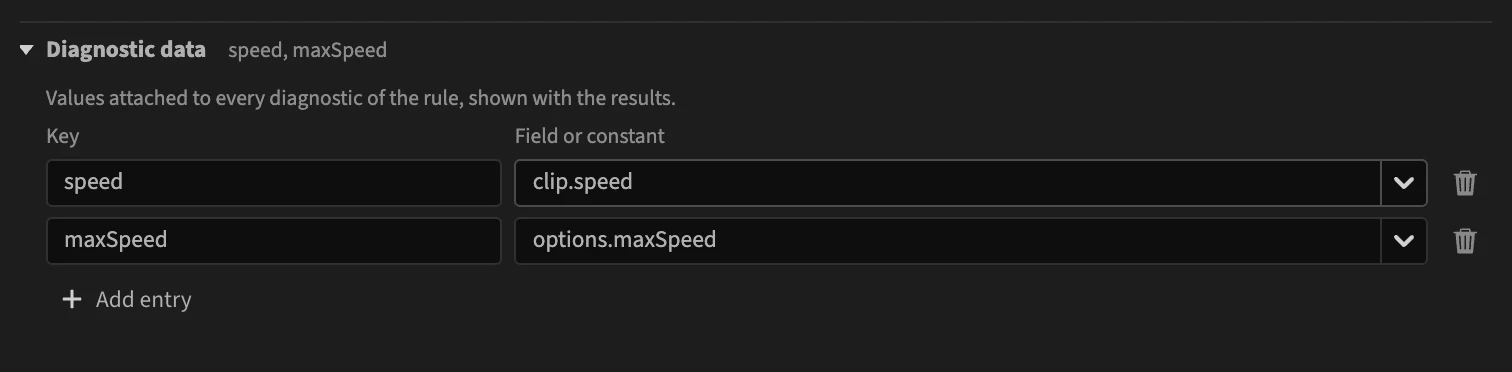
Add an entry
Click Add entry, then fill in:
- Key: the name of the value, such as
speed. - Field or constant: pick a field or an option from the list, or type a constant. A constant typed as
12ortrueis kept as a number or a yes/no; anything else is text.
The trash button removes an entry.
A constant is useful to tell checks apart, as in the example below.
Rule data and check data
There are two places for entries:
- the Diagnostic data section, at the bottom of the editor, applies to every check of the rule;
- the Data row of a check applies to that check only, and wins over a rule entry with the same key.
The built-in Markers outside the work area rule attaches the sequence's end and in and out points to every report, and each of its three checks adds a constant reason: after-end, before-in or after-out.
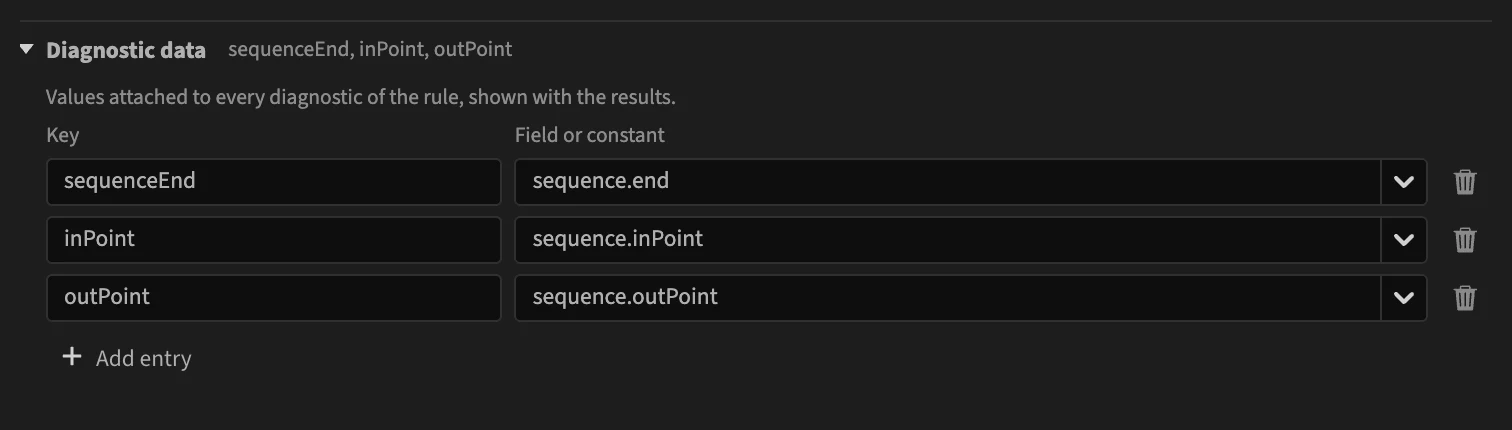
A rule entry must make sense for every check: when the checks run on different scopes, use fields every scope has, such as sequence.*.
In a rule file
Data are the data objects of the rule and of its checks: a field path, or { "literal": value } for a constant. See Data.